Import Youtube Video
You can import any Youtube video to NotebookLM with one-click.
If you haven't installed the extension in your browser, please install it first.
How it works
While viewing a Youtube video, you can click the extension icon to import the video to NotebookLM.
Click the extension icon while viewing any Youtube video
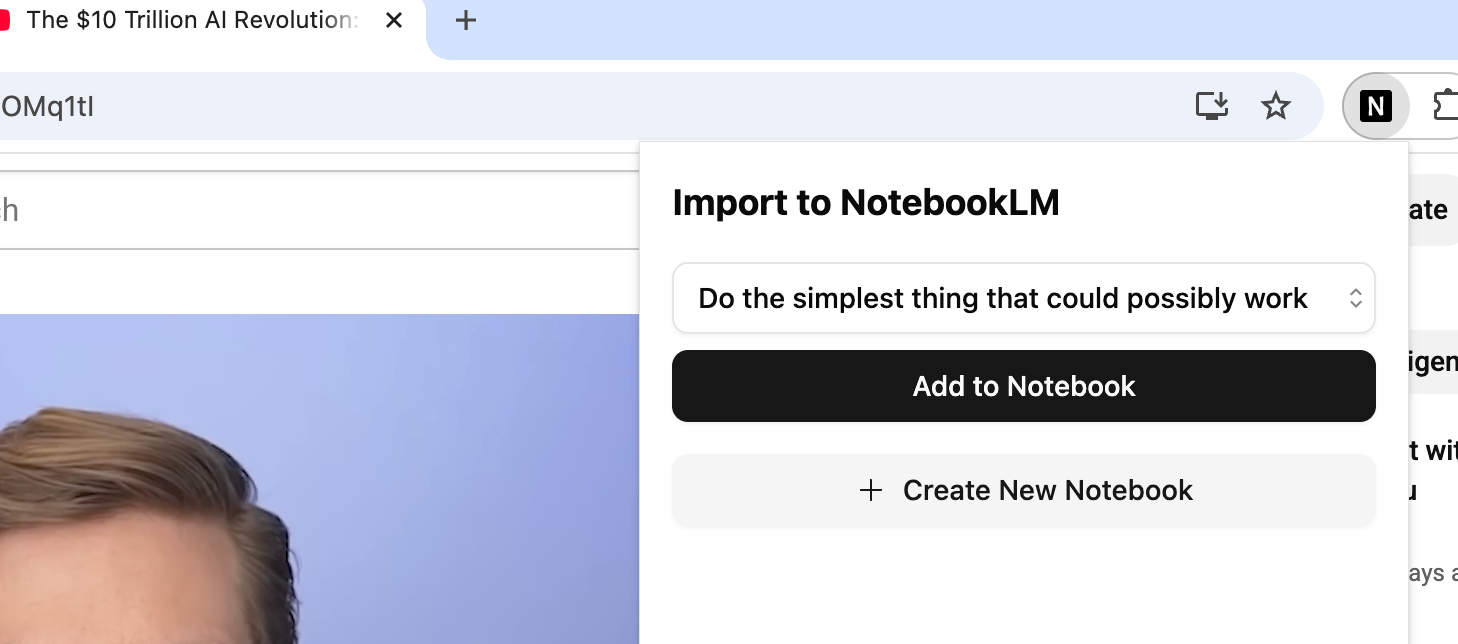
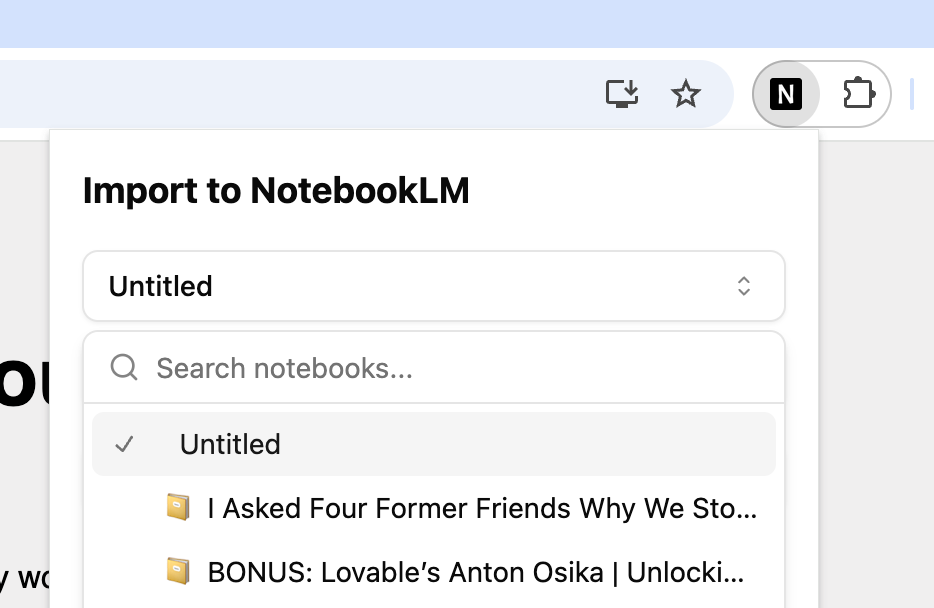
Select the notebook you want to import the webpage to, or create a new notebook
The video will be imported to the notebook in a few seconds
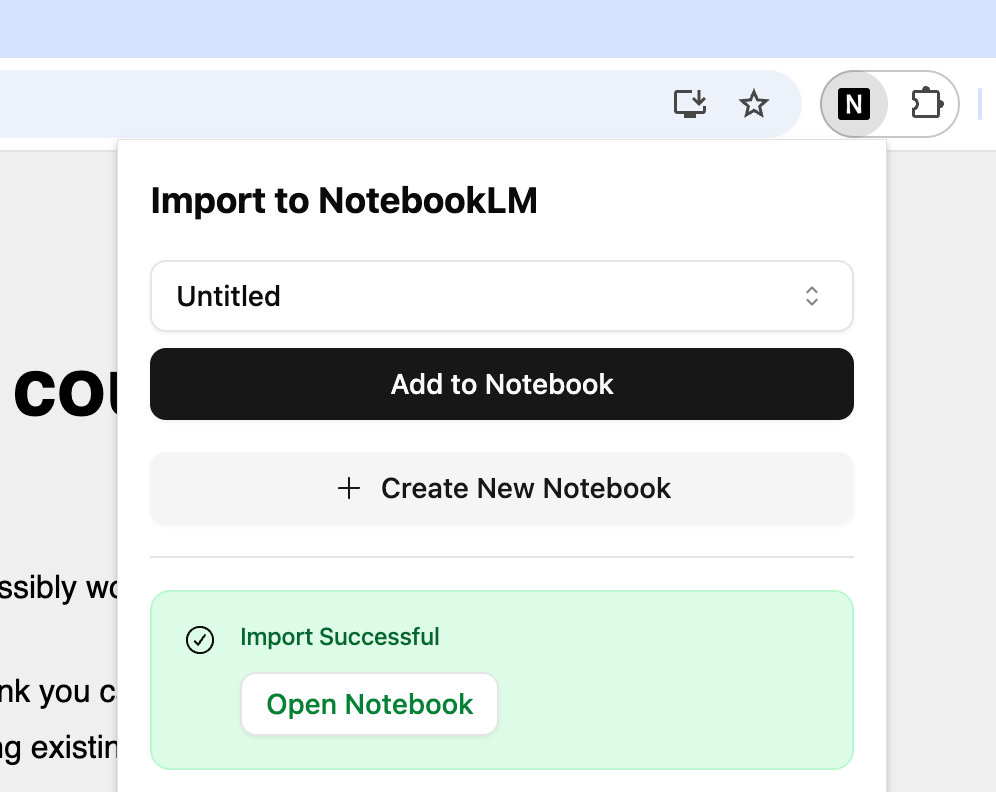
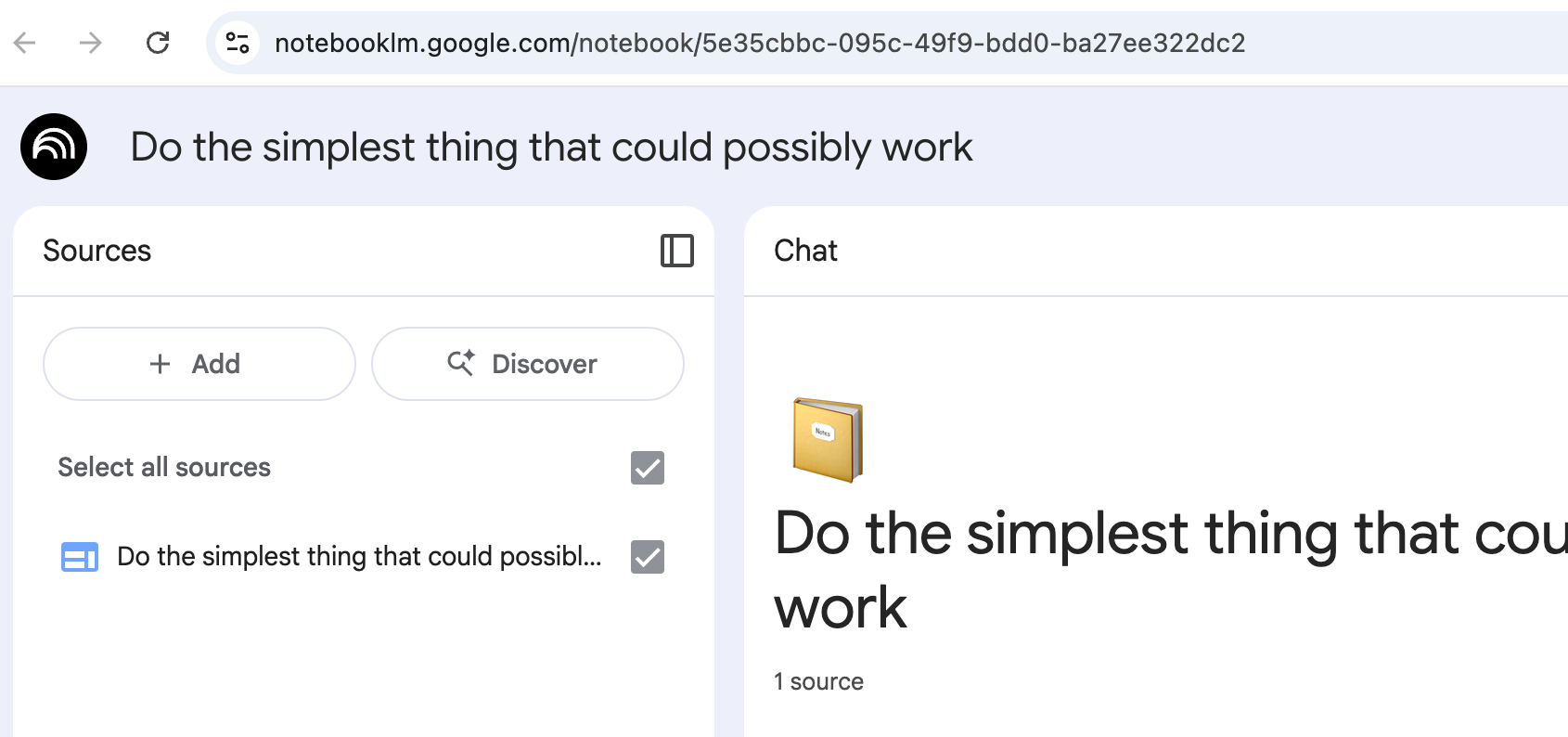
Open the notebook in NotebookLM